Category: Radio Resources

NextKast Launches “StudioLink”Web-Based Interface Enhances All-In-One Integrated Platform for Radio Station Workflow

San Antonio, TX, January 14, 2026 — NextKast today announced StudioLink, a modern web-based interface designed to give radio stations the freedom to operate confidently, easily, and efficiently — whether in the studio, remotely, or with teams working from multiple locations at the same time.
StudioLink is a role-aware web interface designed for the day-to-day operation of a modern radio station. Built on NextKast’s trusted MobileVT voice tracking platform, StudioLink is a fully integrated all-in-one system that supports the entire station workflow process delivering multi-track voice tracking, advanced remote broadcast technology via NextKast’s GoLive, and easy-to-use music library management.

GoLive makes live broadcasts sound natural — whether the show is happening in the studio, remotely, or with multiple contributors joining in at once. With GoLive configured as the in-studio on-air screen, talent has a clean, focused interface they can use in the studio or anywhere else to voice track, review playlists and logs, and make quick edits —without touching server-level settings. Program Directors can review logs, adjust track categories, and make real-time programming decisions with confidence.
“StudioLink is the culmination of years of development and collaboration with our radio station clients towards the creation of an all-in-one, stress-free system. StudioLink solidifies this goal into a reality,” said Winston Potgieter, Founder and Project Manager of NextKast.

Chuck Taylor, Program Director for KHYI, Dallas, said, “Studio Link is the natural evolution of (NextKasts MobileVT remote VT interface). It allows us to control nearly every aspect of the station remotely—live shows, voice tracking, audio management, programming changes, and traffic—without relying on multiple systems or workarounds. It reinforces why NextKast continues to feel like a true all-in-one platform built for the realities of modern radio.”

StudioLink’s user interface is intentionally focused on real-world broadcasting tasks in a clear, predictable way, while keeping unnecessary complexity out of the way. The result is faster operation, fewer mistakes, and a more productive on-air experience.

For advanced or specialty use cases, StudioLink also supports producing voice breaks in a separate application and dragging them directly into the system. This flexibility is there when needed — without complicating the everyday voice-tracking experience.

Within weeks, NextKast is announcing its customer management system that integrates with StudioLink.
To view a demonstration video of StudioLink, please click https://youtu.be/7PGfvkQJHH8.
For more information, visit www.nextkast.com/onAir or contact Winston Potgieter at 210-286-2975 or wp@nextkast.com.

About NextKast
NextKast develops advanced automation software for radio and streaming stations worldwide. Its flagship platform, NextKast OnAir, integrates music scheduling, playout, traffic, and billing into one streamlined solution — empowering broadcasters to operate more efficiently and profitably.

NextKast Launches NextSync – Revolutionary Synchronization Engine for Groups with Customizable Localization for Each Market

60-Day Free, No-Obligation Onboarding Window

San Antonio, TX – November 3, 2025 – NextKast has announced its next major innovation with the release of NextSync, an intelligent, playlist-aware synchronization engine that streamlines how radio groups share content across multiple markets while allowing customized local programming.


NextSync’s synchronization engine introduces a new generation of multi-market automation — driven by intelligence, not replication. Stations within a group share a unified music library, choosing their own songs, imaging, commercials, and local programming blocks — all within the same integrated automation environment. The proprietary engine is patent-pending under the U.S. provisional filing “Playlist-Aware, Expiry-Validated, Pull-Based Media Synchronization for Broadcast Automation Systems.”


“Traditional systems push content everywhere, whether it’s needed or not,” explained Winston Potgieter, Founder and Project Manager of NextKast. “NextSync reverses that logic. Each station automatically pulls only what it needs based on real playlists and category rules. That makes the entire network leaner, smarter, and dramatically more efficient.”


Troy Welch, Owner and Program Director of PlayFM Radio, shared his experience:
“NextSync completely replaced our dependence on cloud-sync tools like Dropbox. We can now manage all of our stations from one core library, and every site stays perfectly in sync without manual uploads. It’s fast, dependable, and just works.”


NextSync gives broadcasters complete control over what is synchronized — and to whom. Each station can have individualized settings that determine:
Content categories (e.g., Music, Imaging, Promos) are synchronized.
Whether playlists are shared directly from the master or generated locally.
Rotations and clocks, which are synchronized for consistent format structure.
“The playlist drives the sync, not the operator,” Potgieter added. “Stations can follow a master format, create their own local hours, or mix both — all without external schedulers or file juggling.”
NextSync also manages voice-tracked show distribution with the same precision.
When a talent sends a completed voicetracked hour or show to the master system, it can be automatically distributed to any station configured to receive that hour.
Commercial and traffic files are continuously verified for expiration, and the system automatically requests the updated version.
NextKast is currently offering a 60-day no-obligation onboarding window for qualified groups interested in evaluating NextSync. This limited opportunity allows broadcasters to experience hands-on synchronization and automation benefits before committing to a full rollout.
For more information on NextSync or to request a private preview, visit https://www.nextkast.com/onAir/features/#nextsync or contact Winston Potgieter at 210-286-2975 or wp@nextkast.com.

About NextKast OnAir
NextKast OnAir develops professional radio automation software engineered for simplicity, reliability, and innovation. Its all-inclusive suite integrates automation, scheduling, traffic, AI, and synchronization into one easy-to-use platform that helps broadcasters save time, reduce costs, and focus on great programming.
For more information, visit https://www.nextkast.com/onAir.

 
Media Contact:
Renee Cassis
RC Communications
646-808-6505
Cassis2@msn.com

LPFM and Broadcast Radio Setup Support

The LPFM Store has set up hundreds of low power FM and commercial FM radio stations across the United States. We support hundreds of other installations in other parts of the world. We can assist you or your organization to start a new Radio Station – either broadcasting on a low power basis, on a commercial full-power FM frequency, or on the internet.  If you’re interested in starting up a new LPFM radio station or an FM radio station, you’re in the right place! We are broadcasters ourselves! One of the few LPFM radio broadcasters that have made the progression to obtaining a full-power FM radio frequency and operating commercially.  This journey has enabled us to offer unparalleled support through all the stages of building and operating a radio station.

More information here: https://lpfmstore.com/

11 Quick Tips on Starting an Internet Radio Station

1. Decide On Station format
This is the most important part, make sure to pick something you are
passionate about, because it takes time to build an audience, so you will
need the drive to keep going.

2. Get stream hosting
Your stream host is the second most important part, they need to be
reliable. Luckily today most stream hosting providers would not be in
business unless they are reliable. Your stream host will be the server
that serves the stream to your listeners.

3. Decide auto DJ or Automation
Many stream host give free auto DJ functionality with their hosting
accounts. This will allow you to upload music to your stream host, and have
the auto DJ play it. Off course there are limitations to what can be done
using this setup, and off course using radio automation software will
produce a much more polished internet radio station

4. Make sure to look into licensing
Remember you will need music royalty licensing your station to pay
royalties to artist who’s songs you play.

5. List your station in directories/ Tune In Api
Once your station is running and a bit fine tuned, list your station in as
many directories you can find. From my experience these are the
directories that get you the biggest audience.

TuneIn – use the tuneIN api to get best results
iTunes – They have strict listing rules, pay attention
Any others found by Googling ‘internet radio directory’ etc..

6. Be consistent 24/7
Stream 24/7 with a consistent format. People tune in from all over the
world, and must find what they expect when they expect it.

7. Create the format/organize music
Create a format, just merely playing a list of songs probably won’t cut it.
Organize your music into categories, create clocks/rotations that create a
feel…

8. Sound Processing is important
Sound processing is important, and you will only be able to do this if you
are using radio automation software. The better your stream sounds, the
more likely you will retain listeners.

9. Voice Tracking or Live Hosting
Giving a personality to the station and talking on air now and then builds a
bond with the audience and gives you an edge, but this is work…

10. Promote at local events
Print cards and give them out at events, post banners at events, market on
social media without being annoying.

11. Be Patient
It takes time to build an audience.. your dream of 10,000 people tuning in
on launch date most probably wont happen… but if you work at it, you can
build a respectable audience size.

12. Social Media
Promoting on social media like Facebook, Twitter, Instagram can be
very helpful to gain new listeners, but this needs to be done very carefully. Posting every song you play
on Twitter will not entice your audience, and in fact will make you loose your intended impact.
Use social media sparinglly for getting the best results.

more to come………………….

MobileVT Remote Voice Tracking

Josh Davis from TowPath Radio

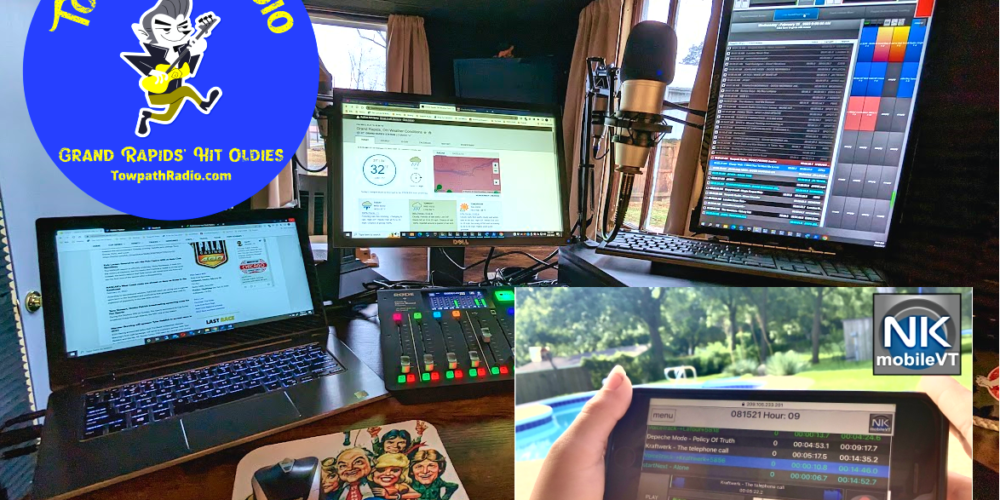
Big props to Mobile VT. Most everything on my station is pre-recorded. I was out today walking a trail, when some local news broke. From the trail, I was able to log into mobile VT on my phone and successfully upload a voice track straight to the log that played 15 minutes later. I listened back to it, and though you could tell the difference with the mic considering I used my phone, it wasn’t that much of a difference. At least not what a typical listener would notice. Solid product!

Kickin Kountry 101 Internet Radio Station

I have programmed many small, medium, and large markets over the years in FM terrestrial radio.  Just recently I took a dive into the world of digital broadcasting and wasn’t sure which product would be best for my station.  After much research, I ran across NextKast and absolutely fell in love with it!  The system is very user-friendly, it is great for doing a live shift as well as voice tracking, I love the fact that everything is all in one and you don’t have to have different products to attach to it for scheduling music, commercials, etc.  The remote VT manager has been a lifesaver for me and my team, sure there was a small learning curve but nothing like what other similar products have in the way of complexity and operations.  My team and I all love the fact that you can log in from anywhere with an internet connection and voice track your shift.  On top of that, Winston has been a huge help, he has spent countless hours on the phone and computer with me, in the beginning, showing me what I need to do, and was very helpful through it all.  I am very appreciative of what he and his team at NextKast have done to help Kickin Kountry 101 be the success it is!  We could not have done it without you!  

Shannon Steele – CEO/Program Director Kickin Kountry 101

MobileVT Web Based Voice Tracking Testimonial

David Brown here with My Harbor Radio.

March of 2022, My Harbor Radio celebrated 2 years of broadcasting southern gospel music.  Our platform is through Live365 and we have been using NextKast to run our programming 24/7 for most of those 2 years.  When we first started the station, it was just my wife and I doing the DJing and programming.  Over the 2 years we have brought on DJs in Michigan, Indiana, Kentucky, Georgia, and will soon be adding one from North Carolina.  The Mobile VT option has been a great tool for our station.  We currently have 4 DJs that use the VT option regularly, 1 learning, and the 6th one will soon be working in it as well.  I would highly recommend this additional option to any station looking to expand their stations without having to send music to each DJ or purchase a license for each one separately.

The Mobile VT system allows the DJ to log into our “home” computer that runs the NextKast program. The DJ will work directly in the folder that I (the music/ program director) generate.  The DJ has the ability to move the songs around in a different order, and can even add a track just by searching the library by name and inserting it into the playlist.  Once finished recording the DJs voice tracks for that program they simply click on the “export” button and it is exported directly to our “home” computer.   The program then runs as scheduled from the home computer.  Great job on this new addition, we love it at My Harbor Radio.

David Brown
Owner/DJ

www.myharborradio.com

MobileVT Web Based Voicetracking
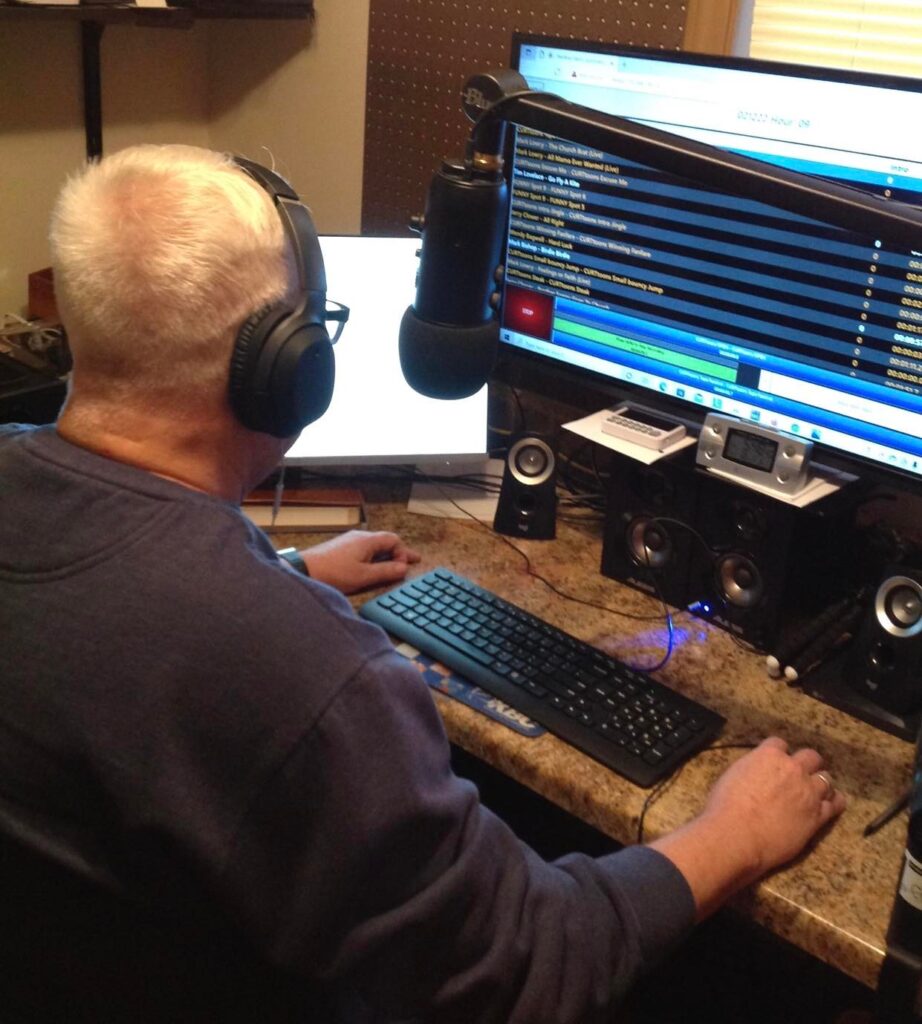
Curtis In The Middle of Voice tracking

Brent Alberts Testimonial/Review

Winston:
                I wanted to let you know I love your software. This has been
a great experience using Nextkast compared to Station playlist. I love the
analysis as it rotates my library much better. And managing my library is
much easier. I’ve been a commercial radio broadcaster for 53 years. Your
software is by far the best when it comes to library management. I’ve worked
with the best in the commercial broadcast industry, and yours is by far the
best for independent streamers. Thanks for what you have provided for us
independent streamers.

Brent Alberts
Grand Ledge Michigan=

(WCCU Coastal Carolina University Radio Station) customer Testimonial/Review

WCCU is Coastal Carolina University’s student run online radio station, where anyone anywhere can tune in on the Tune Inn app, or from wccuradio.com! Here, students are encouraged to show their skills and passion in any and all topics, ranging from sports to mental health to hobbies and more! Dr. Jeffery Ranta and the production team put together quality content with the use of NextKast automaton system, offering playlists and rotations for students and faculty to enjoy a premium radio experience any time, anywhere!

(www.radiogoudvanoud.nl) Customer Testimonial/Review

First of all, I want to thank you for creating an excellent product. We have been using Nextkast Broadcast for our Radio Goud van Oud (Netherlands) station since 2017.We have tried many broadcast programs but NK is the right program for us. The support is exceptionally good. Winston Potgieter (founder) is always willing to help you get the most out of the program. He is also always working to improve the program where necessary.We use it for rotations, pre-recorded programs, live broadcasting and voicetracking. Voicetracking with NK is amazing.Keep on the good work! Thank you..

Scroll to top