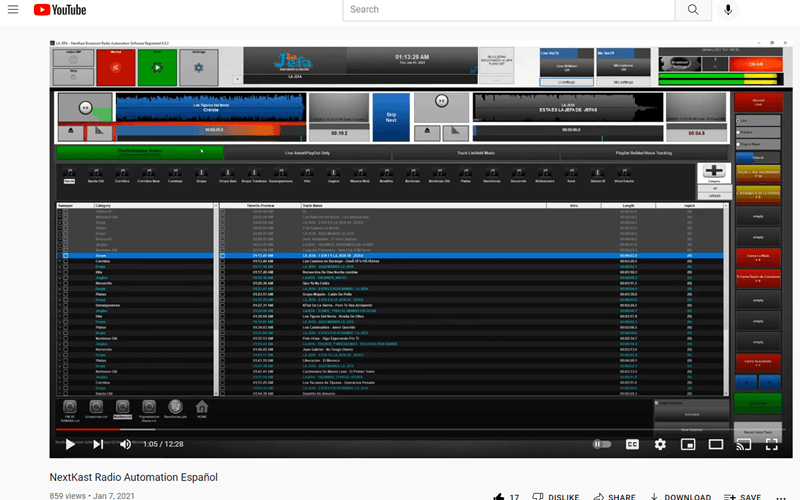
In the latest version of nextkast onAir we have expanded the ability to import meta data from other automations systems.
We now support importing metadata from RadioDJ, Station Playlist, Natural Music, PlayoutOne, Wide Orbit and many others. This allows you to evaluate NextKast onAir for your station with much quicker and minimal setup.
goLive / MobileVT / RemoteVT (onAir and Broadcast Versions)
Improvements in GoLive gui with new buttons on bottom of screen when running on desktop
added sample buttons to goLive audio feed
allowed insert track to goLive
added move track syncing in current playlist goLive
on playlist reorder resave active playlist in playout screen and update goLive screen if connected
added multi party goLive option, up to three can connect and hear each other (multi party radio show live remote hosting)
added remote recording in goLive screen
Added MobileVT auto server start fix ( quicker to configure changing ip )
added station clock to goLive GUI
added delete track in mobileVT (not only vt delete)
allowed for up to 60 vt user accounts
added remote volume lowering of studio feed in goLive for multi party hosts
created affiliate vtjob disbursement schedule ( 1 host can be sent to multiple affiliates )
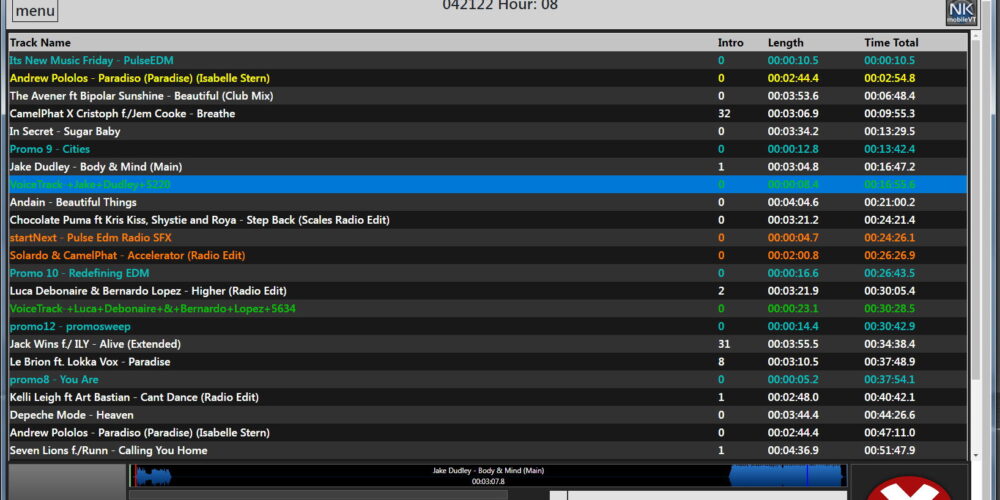
Playback Engine / GUI
added tag checking for all supported audio file types (All)
added stream, ftp, http, and remote file insert asset (right click on add track +) (onAir and BX)
on playlist reorder resave active playlist in playout screen and update goLive screen if connected (All)
added template merge (name it templateMerge.tpl and place in traffic log folder)(onAir and BX)
added OPUS and .shd audio file compatibility (All)
If track name is less that 12 characters will display as cart number in category list and playlist (onAir)
added automatic track update in current playlist changes active playlist will automatically update (All)
Imporved GUI updated icons (All)
added new segement markers for rendering segments (wav and mp3)(onAir and BX)
added if track is not valid, skip it (All)
other than mp3 meta data now sored in database to increase tag retrieval for large libraries 10K + tracks (All)
Played search screen added to playout only screen (All)
when schedule is enabled, when pressing any hour, edit will will be assumed (All)
automatically set playlist to generate from1 to 30 days in advance without human intervention (if nkMnager is open it will generate, if not nextkast will genrate 5 after midnight) (All)
added ability to import set up from PlayoutOne (All)
NK will look for duplicate cart numbers and warn on import. (onAir)
added new date/hor view when naviating from playout only screen to playlist editor screen (All)
added ability to externally edit tracks loaded in nextkast and automatically return to cue window when done (All)
Update start time even when running in Playlist Mode (All)
Playlist Macros / GPIO (On Air)
added send tcp and udp playlist macros
added ability to set time inside a mergeExternalTrafficLog marker
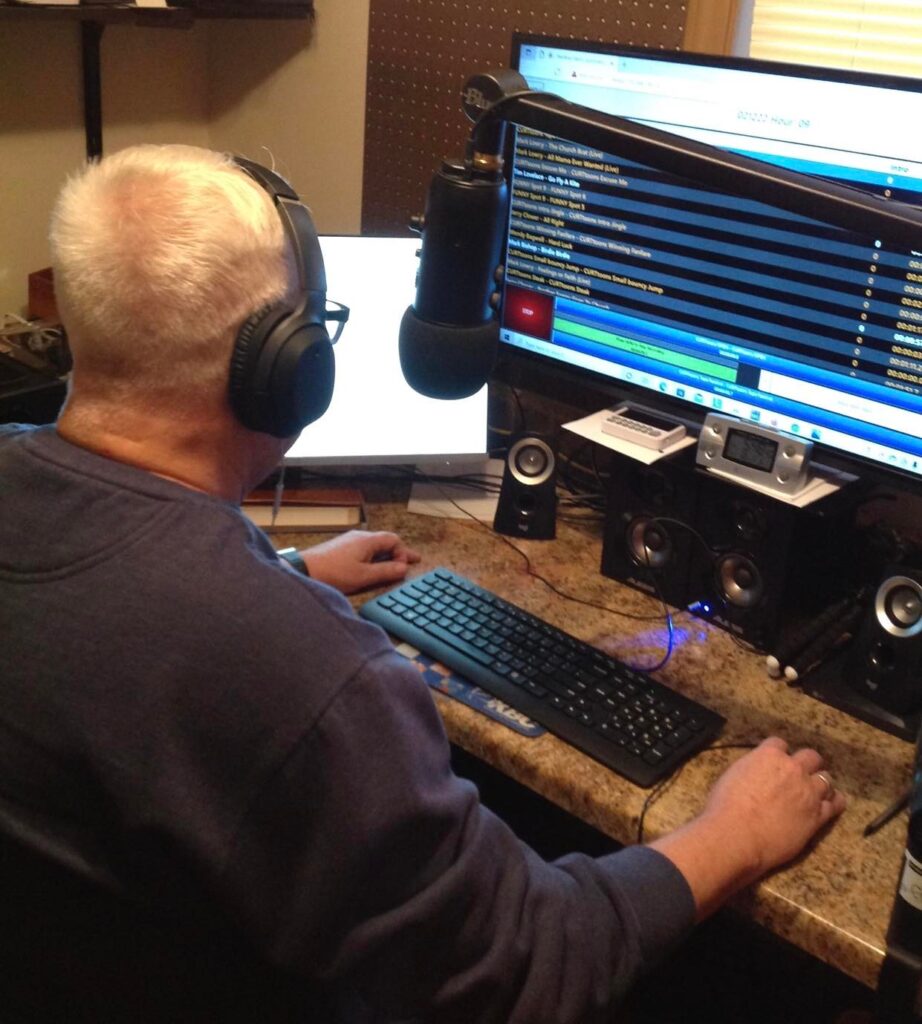
March of 2022, My Harbor Radio celebrated 2 years of broadcasting southern gospel music. Our platform is through Live365 and we have been using NextKast to run our programming 24/7 for most of those 2 years. When we first started the station, it was just my wife and I doing the DJing and programming. Over the 2 years we have brought on DJs in Michigan, Indiana, Kentucky, Georgia, and will soon be adding one from North Carolina. The Mobile VT option has been a great tool for our station. We currently have 4 DJs that use the VT option regularly, 1 learning, and the 6th one will soon be working in it as well. I would highly recommend this additional option to any station looking to expand their stations without having to send music to each DJ or purchase a license for each one separately.
The Mobile VT system allows the DJ to log into our “home” computer that runs the NextKast program. The DJ will work directly in the folder that I (the music/ program director) generate. The DJ has the ability to move the songs around in a different order, and can even add a track just by searching the library by name and inserting it into the playlist. Once finished recording the DJs voice tracks for that program they simply click on the “export” button and it is exported directly to our “home” computer. The program then runs as scheduled from the home computer. Great job on this new addition, we love it at My Harbor Radio.
Winston: I wanted to let you know I love your software. This has been a great experience using Nextkast compared to Station playlist. I love the analysis as it rotates my library much better. And managing my library is much easier. I’ve been a commercial radio broadcaster for 53 years. Your software is by far the best when it comes to library management. I’ve worked with the best in the commercial broadcast industry, and yours is by far the best for independent streamers. Thanks for what you have provided for us independent streamers.